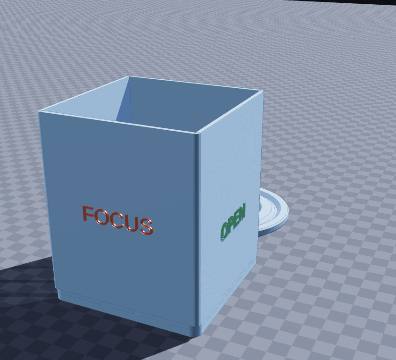
Status-cube pen pot — 3D-printable model preview
AR view
Office tools Multi-part assembly

Status-cube pen pot

Turn a pen pot on its turntable to tell colleagues if you are free

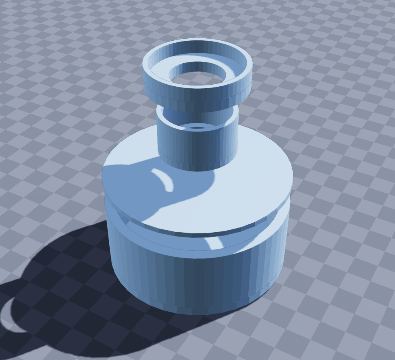
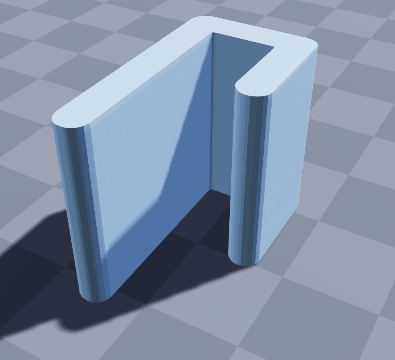
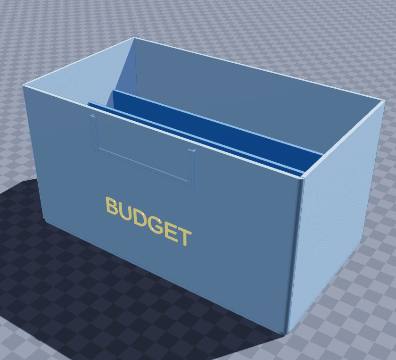
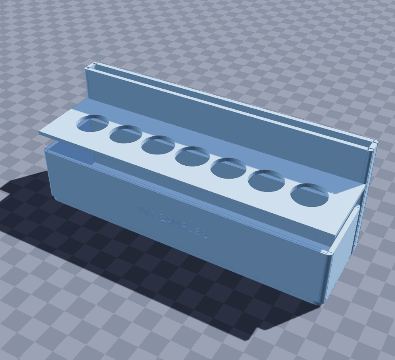
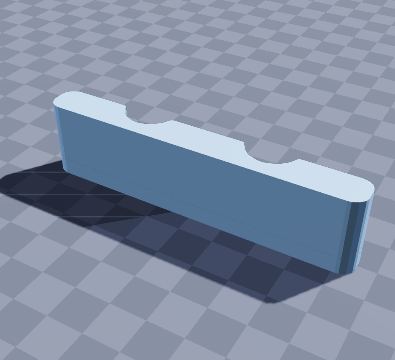
Headphones on does not always mean do not disturb. This pen pot turns on its own turntable base, and each side says something different: FOCUS in red, OPEN in green, BREAK in gold and CALL in blue. Give it a spin so the right word faces the office, and colleagues know whether to come over or send a message instead. It holds your pens either way.

Size
90 × 90 × 110 mm
Shape
Rectangular
Walls
2.4 mm
Volume
78.8 cm³
Est. weight (PLA)
97.7 g
Parts to print
2
Category
Office tools
Made by
Krypto
Built in
33 steps

What’s in it

  • Rectangular, 90 × 90 × 110 mm, with 2.4 mm walls
  • Lazy Susan turntable base (spins on 6 mm BBs)
  • Raised text: “FOCUS”, “OPEN”, “BREAK”, “CALL”

How to print it

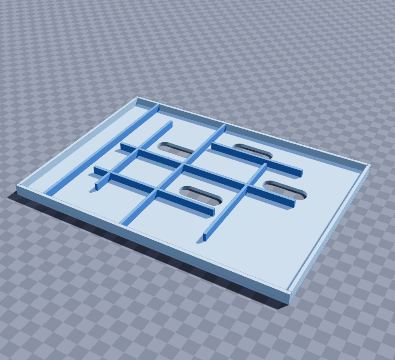
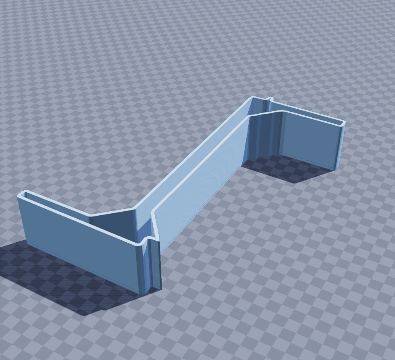
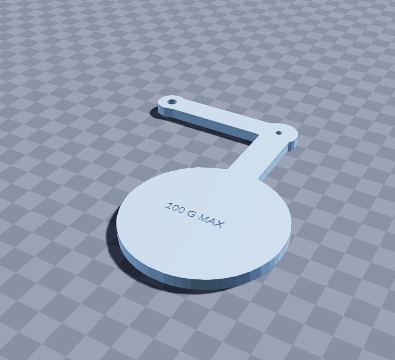
Print the pot and the turntable ring; drop a few ball bearings or a dab of grease between them for a smooth spin.

Prints as shown on its floor, no supports. The turntable ring prints separately and runs on 6 mm BBs.

Filament: at most about 97.7 g of PLA printed solid (roughly $1.95 at $20 per kg); normal infill uses less.

To get the files, open it in the generator and choose File › Download STL (one file per part) or Download 3MF (every part on one plate).

Questions

What size is the status-cube pen pot model?

The status-cube pen pot model measures 90 × 90 × 110 mm (width × depth × height). You can change every size in the free SO3D.xyz generator before you download it.

Does it need supports?

No. Print the pot and the turntable ring; drop a few ball bearings or a dab of grease between them for a smooth spin. Prints as shown on its floor, no supports. The turntable ring prints separately and runs on 6 mm BBs.

How much filament does it use?

At most about 97.7 g of PLA (78.8 cm³ printed solid), roughly $1.95 of filament at $20 per kg. Normal infill uses less.

How many parts does it print as?

2 parts. The download lays each part flat in its best print position: Download STL gives one file per part, Download 3MF puts them all on one plate.

Can I change it?

Yes. Open it in the SO3D.xyz generator (free, in your browser), change the size, walls, dividers, holes, text or anything else, then download it as STL or 3MF for your slicer.

More office tools

See all 53 in Office tools

Make it fit your space

Change the size, walls, dividers, holes and labels of the status-cube pen pot model in your browser, then download it for your printer. Free, no CAD needed.

Customize this model

SO3D.xyz is free and built by one maker. Help keep it running.

Be one of the first supporters this month.