Sim-racing button box — 3D-printable model preview
AR view
Electronics & robotics Multi-part assembly

Sim-racing button box

House toggles, encoders and a start button for sim racing

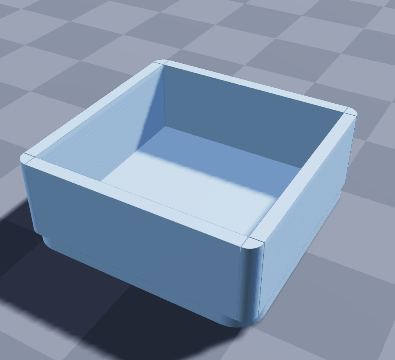
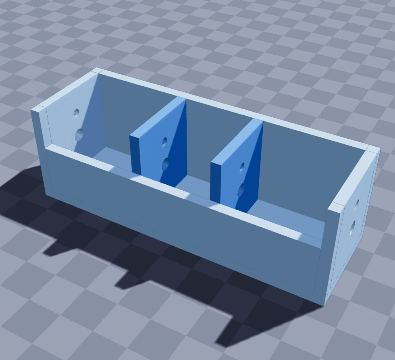
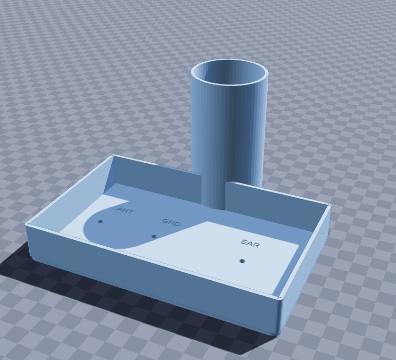
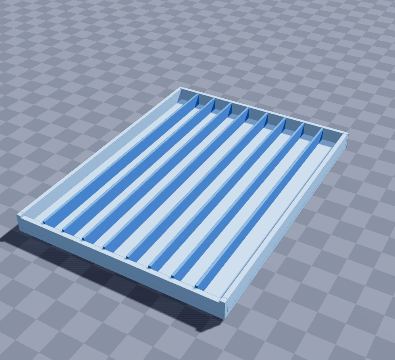
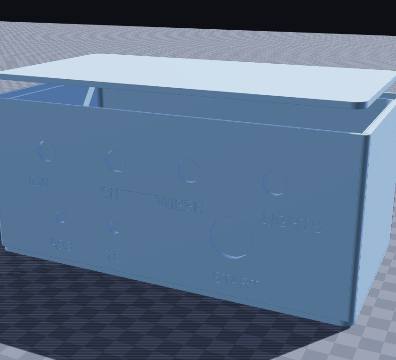
A labelled control panel for sim racing. The top row takes four 12 mm toggles (IGN, PIT, WIPER, LIGHTS), with two rotary encoders for ABS and TC and a 22 mm START button below. The 3 mm front is thin enough for the switch nuts. The lid closes the back over a microcontroller, and the cable leaves through a port at the rear.

Size
210 × 110 × 92 mm
Shape
Rectangular
Walls
3.0 mm
Volume
291 cm³
Est. weight (PLA)
361 g
Parts to print
2
Made by
Krypto
Built in
103 steps

What’s in it

  • Rectangular, 210 × 110 × 92 mm, with 3.0 mm walls
  • 8 holes in the walls
  • Engraved text: “IGN”, “PIT”, “WIPER”, “LIGHTS”, “ABS”, “TC”, “START”
  • Lift-off lid (prints separately)

How to print it

Holes fit 12 mm toggles, 7 mm rotary encoders and a 22 mm start button; the back port takes a USB-C cable.

Prints as shown on its floor, no supports. Large holes in the walls may need supports or good bridging. The lid prints as a separate part, top down.

Filament: at most about 361 g of PLA printed solid (roughly $7.21 at $20 per kg); normal infill uses less.

To get the files, open it in the generator and choose File › Download STL (one file per part) or Download 3MF (every part on one plate).

Questions

What size is the sim-racing button box model?

The sim-racing button box model measures 210 × 110 × 92 mm (width × depth × height). You can change every size in the free SO3D.xyz generator before you download it.

Does it need supports?

It may need supports in places. Holes fit 12 mm toggles, 7 mm rotary encoders and a 22 mm start button; the back port takes a USB-C cable. Prints as shown on its floor, no supports. Large holes in the walls may need supports or good bridging. The lid prints as a separate part, top down.

How much filament does it use?

At most about 361 g of PLA (291 cm³ printed solid), roughly $7.21 of filament at $20 per kg. Normal infill uses less.

How many parts does it print as?

2 parts. The download lays each part flat in its best print position: Download STL gives one file per part, Download 3MF puts them all on one plate.

Can I change it?

Yes. Open it in the SO3D.xyz generator (free, in your browser), change the size, walls, dividers, holes, text or anything else, then download it as STL or 3MF for your slicer.

More electronics & robotics

See all 36 in Electronics & robotics

Make it fit your space

Change the size, walls, dividers, holes and labels of the sim-racing button box model in your browser, then download it for your printer. Free, no CAD needed.

Customize this model

SO3D.xyz is free and built by one maker. Help keep it running.

Be one of the first supporters this month.