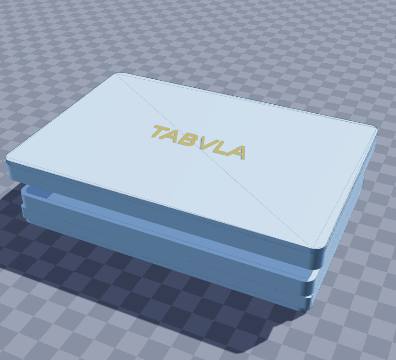
Roman wax-tablet notepad — 3D-printable model preview
AR view
Paper & bookbinding Multi-part assembly

Roman wax-tablet notepad

Write and erase notes on a wax tablet with a stylus, as Roman scribes did

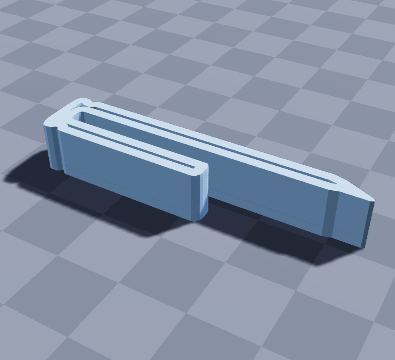
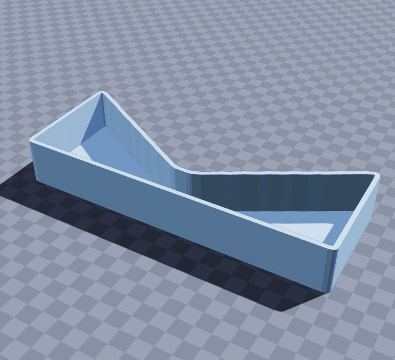
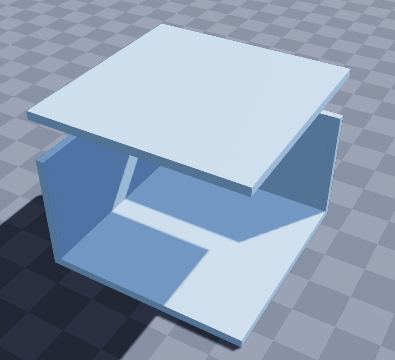
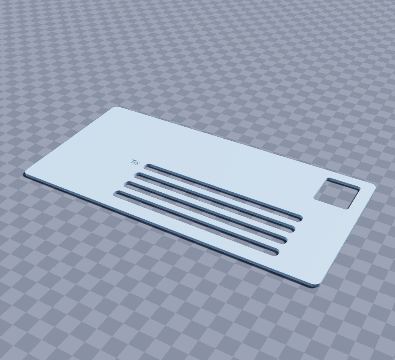
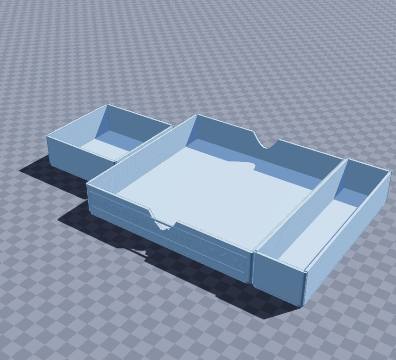
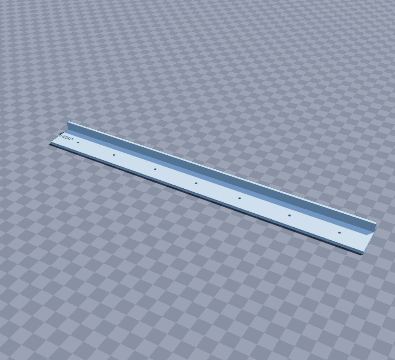
Two thousand years before sticky notes, Romans wrote shopping lists and school sums on wax tablets: scratch letters into the wax with a pointed stylus, then smooth them away with the flat end and start again. Pour coloured beeswax into the tray, keep the stylus in its groove, and slip the lid on to protect it. Warm the wax with a hairdryer to wipe the whole page clean. Endlessly reusable, and oddly satisfying to write on.

Size
150 × 100 × 9 mm
Shape
Rectangular
Walls
2.4 mm
Volume
136 cm³
Est. weight (PLA)
169 g
Parts to print
2
Made by
Krypto
Built in
25 steps

What’s in it

  • Rectangular, 150 × 100 × 9 mm, with 2.4 mm walls
  • 1 divider
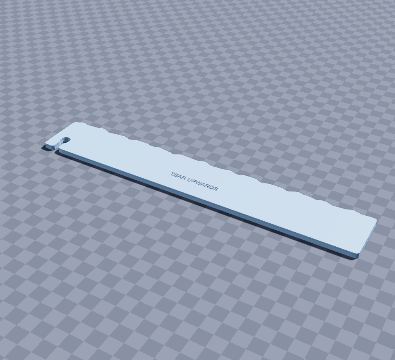
  • Raised text: “TABVLA”
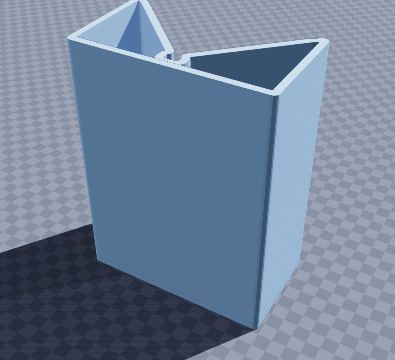
  • Telescoping lid (prints separately)

How to print it

Melt beeswax with a little crayon or charcoal for colour and pour it 3 mm deep. Sharpen a chopstick to a point for the stylus.

Prints as shown on its floor, no supports. The lid prints as a separate part, top down.

Filament: at most about 169 g of PLA printed solid (roughly $3.38 at $20 per kg); normal infill uses less.

To get the files, open it in the generator and choose File › Download STL (one file per part) or Download 3MF (every part on one plate).

Questions

What size is the roman wax-tablet notepad model?

The roman wax-tablet notepad model measures 150 × 100 × 9 mm (width × depth × height). You can change every size in the free SO3D.xyz generator before you download it.

Does it need supports?

No. Melt beeswax with a little crayon or charcoal for colour and pour it 3 mm deep. Sharpen a chopstick to a point for the stylus. Prints as shown on its floor, no supports. The lid prints as a separate part, top down.

How much filament does it use?

At most about 169 g of PLA (136 cm³ printed solid), roughly $3.38 of filament at $20 per kg. Normal infill uses less.

How many parts does it print as?

2 parts. The download lays each part flat in its best print position: Download STL gives one file per part, Download 3MF puts them all on one plate.

Can I change it?

Yes. Open it in the SO3D.xyz generator (free, in your browser), change the size, walls, dividers, holes, text or anything else, then download it as STL or 3MF for your slicer.

More paper & bookbinding

See all 26 in Paper & bookbinding

Make it fit your space

Change the size, walls, dividers, holes and labels of the roman wax-tablet notepad model in your browser, then download it for your printer. Free, no CAD needed.

Customize this model

SO3D.xyz is free and built by one maker. Help keep it running.

Be one of the first supporters this month.