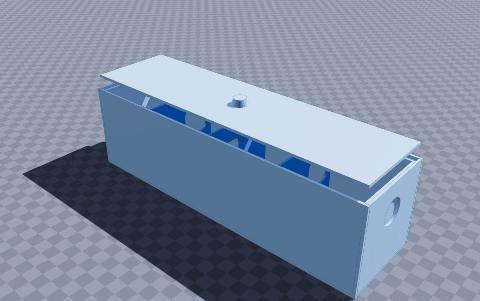
Phototropism bean maze — 3D-printable model preview
AR view
Science & education Multi-part assembly

Phototropism bean maze

Watch a seedling find its way through a maze to the light

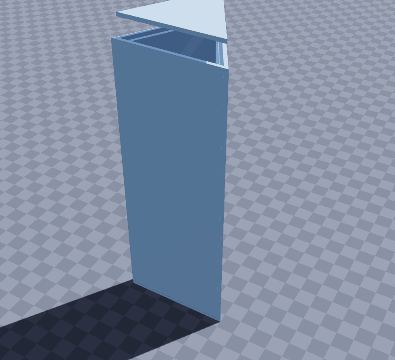
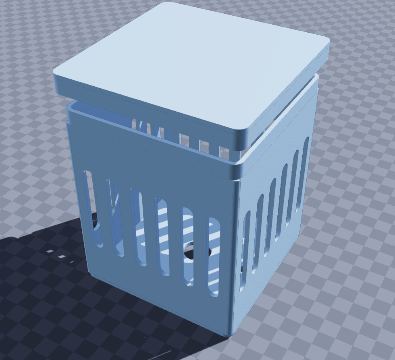
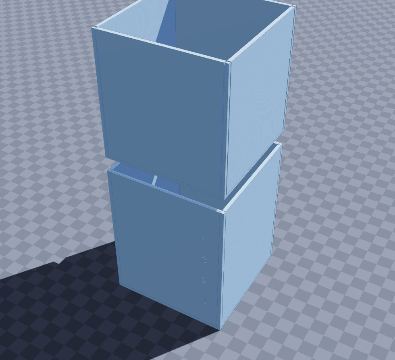
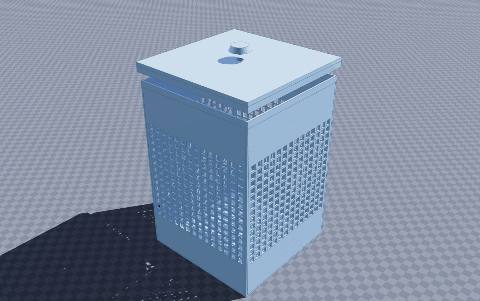
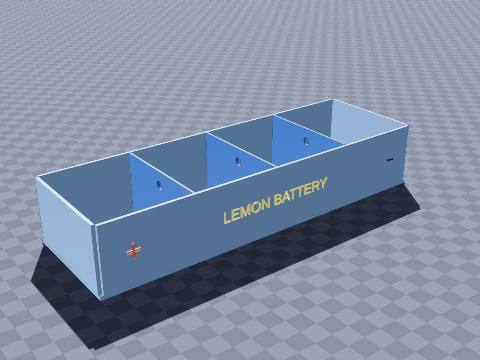
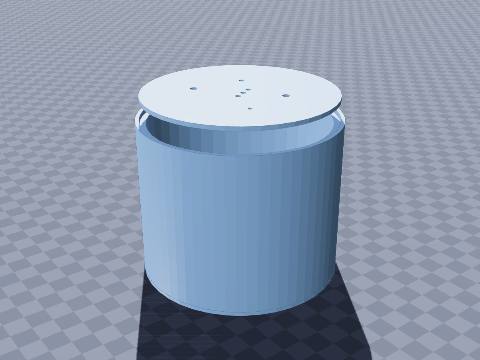
A school science classic. Plant a bean in the left-hand bay, close the lid and stand it in a bright room. The only light comes in through the hole at the far end, so the shoot snakes through the gaps in the three baffles to reach it. Lift the lid each week to see the path it found.

0
Size
250 × 70 × 70 mm
Shape
Rectangular
Walls
2.0 mm
Volume
292 cm³
Est. weight (PLA)
362 g
Parts to print
2
Made by
Krypto
Built in
4 steps

What’s in it

  • Rectangular, 250 × 70 × 70 mm, with 2.0 mm walls
  • 3 dividers
  • 4 holes in the walls
  • Lift-off lid (prints separately)

How to print it

Print in a dark colour so no light comes through the walls.

Prints as shown on its floor, no supports. Large holes in the walls may need supports or good bridging. The lid prints as a separate part, top down.

Filament: at most about 362 g of PLA printed solid (roughly $7.24 at $20 per kg); normal infill uses less.

To get the files, open it in the generator and choose File › Download STL (one file per part) or Download 3MF (a 3MF per part, plus a Bambu Studio / Orca Slicer project with every part on its own plate).

Questions

What size is the phototropism bean maze model?

The phototropism bean maze model measures 250 × 70 × 70 mm (width × depth × height). You can change every size in the free SO3D.xyz generator before you download it.

Does it need supports?

It may need supports in places. Print in a dark colour so no light comes through the walls. Prints as shown on its floor, no supports. Large holes in the walls may need supports or good bridging. The lid prints as a separate part, top down.

How much filament does it use?

At most about 362 g of PLA (292 cm³ printed solid), roughly $7.24 of filament at $20 per kg. Normal infill uses less.

How many parts does it print as?

2 parts. The download lays each part flat in its best print position: Download STL gives one file per part, Download 3MF gives a 3MF per part plus a Bambu Studio / Orca Slicer project with each part on its own plate.

Can I change it?

Yes. Open it in the SO3D.xyz generator (free, in your browser), change the size, walls, dividers, holes, text or anything else, then download it as STL or 3MF for your slicer.

More science & education

See all 77 in Science & education

Make it fit your space

Change the size, walls, dividers, holes and labels of the phototropism bean maze model in your browser, then download it for your printer. Free, no CAD needed.

Customize this model

SO3D.xyz is free and built by one maker. Help keep it running.

Be one of the first supporters this month.