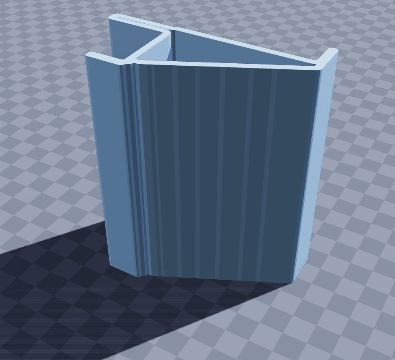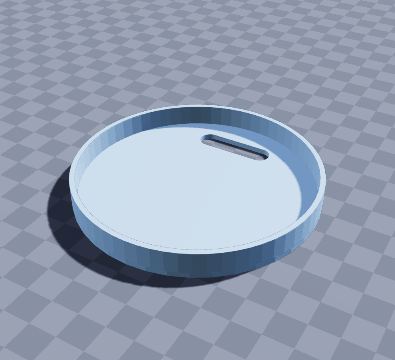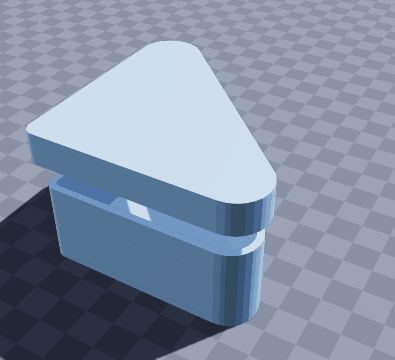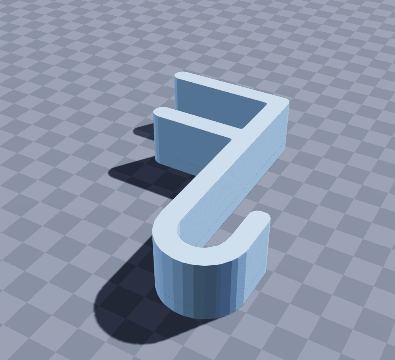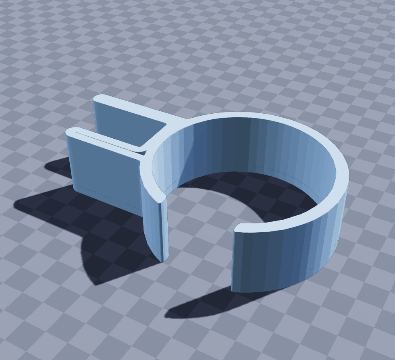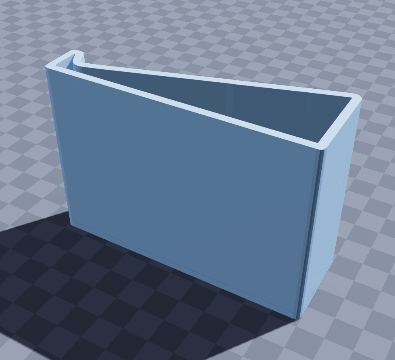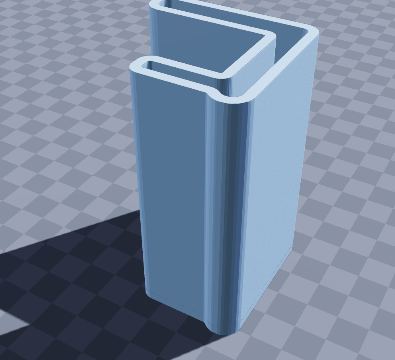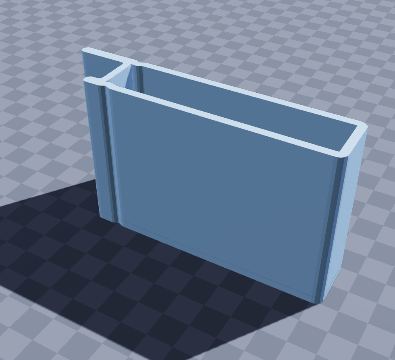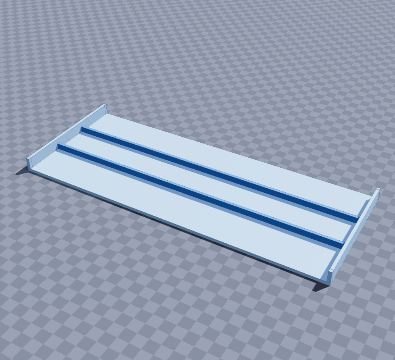
Laptop keyboard bridge — 3D-printable model preview
AR view

Laptop keyboard bridge

Use an external keyboard over a laptop

Stand the bridge over a laptop keyboard and put your external keyboard on top: you use the laptop screen at a comfortable distance without the keys being pressed underneath. Two ribs stiffen the 300 mm deck. Print it as shown, then turn it over so the floor becomes the top.

Size
300 × 120 × 14 mm
Shape
Rectangular
Walls
3.0 mm
Volume
117 cm³
Est. weight (PLA)
145 g
Parts to print
1
Made by
Krypto
Built in
20 steps

What’s in it

  • Rectangular, 300 × 120 × 14 mm, with 3.0 mm walls
  • 2 dividers

How to print it

Print floor-down as shown, then turn it over to use it.

Filament: at most about 145 g of PLA printed solid (roughly $2.91 at $20 per kg); normal infill uses less.

To get the files, open it in the generator and choose File › Download STL (one file per part) or Download 3MF (every part on one plate).

Questions

What size is the laptop keyboard bridge model?

The laptop keyboard bridge model measures 300 × 120 × 14 mm (width × depth × height). You can change every size in the free SO3D.xyz generator before you download it.

Does it need supports?

Usually not. Print floor-down as shown, then turn it over to use it.

How much filament does it use?

At most about 145 g of PLA (117 cm³ printed solid), roughly $2.91 of filament at $20 per kg. Normal infill uses less.

Can I change it?

Yes. Open it in the SO3D.xyz generator (free, in your browser), change the size, walls, dividers, holes, text or anything else, then download it as STL or 3MF for your slicer.

More desk organisation

See all 155 in Desk organisation

Make it fit your space

Change the size, walls, dividers, holes and labels of the laptop keyboard bridge model in your browser, then download it for your printer. Free, no CAD needed.

Customize this model

SO3D.xyz is free and built by one maker. Help keep it running.

Be one of the first supporters this month.